


Midco Wi-Fi Support

Download the Midco Wi-Fi app.
All the coverage, control and customization you want with Midco Wi-Fi starts here. Make sure you download the Midco Wi-Fi app to get the most out of your connection.
Extender Self-Installation
Installing new Midco Wi-Fi equipment in your home? Find your internet equipment to begin. Extender self-installation varies based on service and equipment type, as well as some in-home factors.
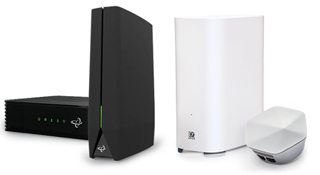
Wired Modem
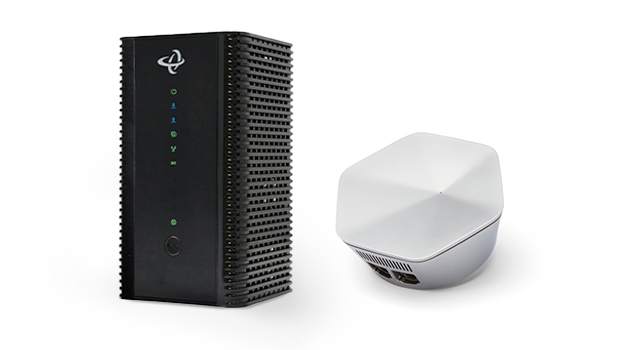
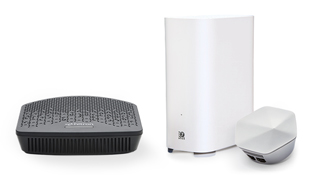
Fiber Optical Network Unit (ONU)
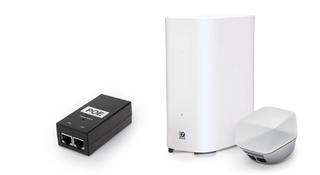
Wireless Home Adapter
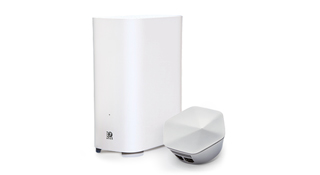
Troubleshooting Checklist

Check to see if you have one or multiple devices offline by turning them off and on.

Reboot your internet equipment.

Run an internet speed test in the Midco Wi-Fi app.

Log in to My Account to see your device's connection status.

Check if there is an outage in your area.
All Midco Wi-Fi Topics
See all we have to offer for Midco Wi-Fi support. If you're self-installing your extender(s), choose Extender Equipment below.
What else can we help you with?
Service Outage?
If you’re having connectivity issues, look up your address to see if there’s an outage in your area, and get troubleshooting help.
My Account
See how to use My Account to view and pay your statements, manage and troubleshoot your services, and much more.
